/
formZ | Render Options
formZ | Render Options
- Former user (Deleted)
- ben (Unlicensed)
Owned by Former user (Deleted)
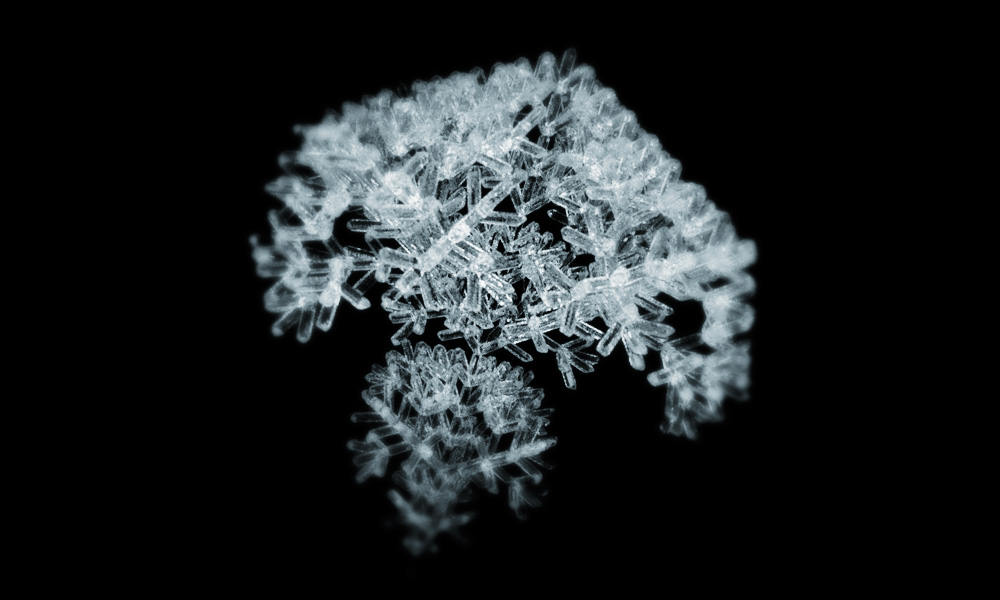
Image Courtesy of Pylon Technical (for the artist Jeffrey Neale)
Each tab in Render Options is dedicated to controlling a different aspect of the rendering process. To invoke Render options, select Palettes > Display Options from the formZ main menubar.
Maxwell Render options are stored on both a per-window and a per-scene basis. If you need a more than one set of Maxwell render options in your project, create either a new window, or a new Scene in the Scenes palette.
| Tab | Description |
|---|---|
| Engine | Rendering quality, performance, and efficiency |
| Translation | How the formZ project is converted into a Maxwell scene |
| Image | Output image format, tone mapping, and optional render channels for compositing |
| Camera | How the formZ View is interpreted as a physical camera |
| File | Specify which file types will be created upon exporting a Maxwell rendering, and where they will be stored |
Related content
formZ | Render Options
formZ | Render Options
More like this
formZ | Render Options
formZ | Render Options
More like this
formZ | Render Options | Image
formZ | Render Options | Image
More like this
formZ | Render Options | Image
formZ | Render Options | Image
More like this
formZ | Render Options | Image
formZ | Render Options | Image
More like this
formZ
More like this